

UX/UI
UI/UX support that reduces friction and helps people move through the site more confidently.
DesignBit works on the decisions that shape usability: navigation, hierarchy, readability, mobile flow, and the small details that affect whether a site feels easy or frustrating.
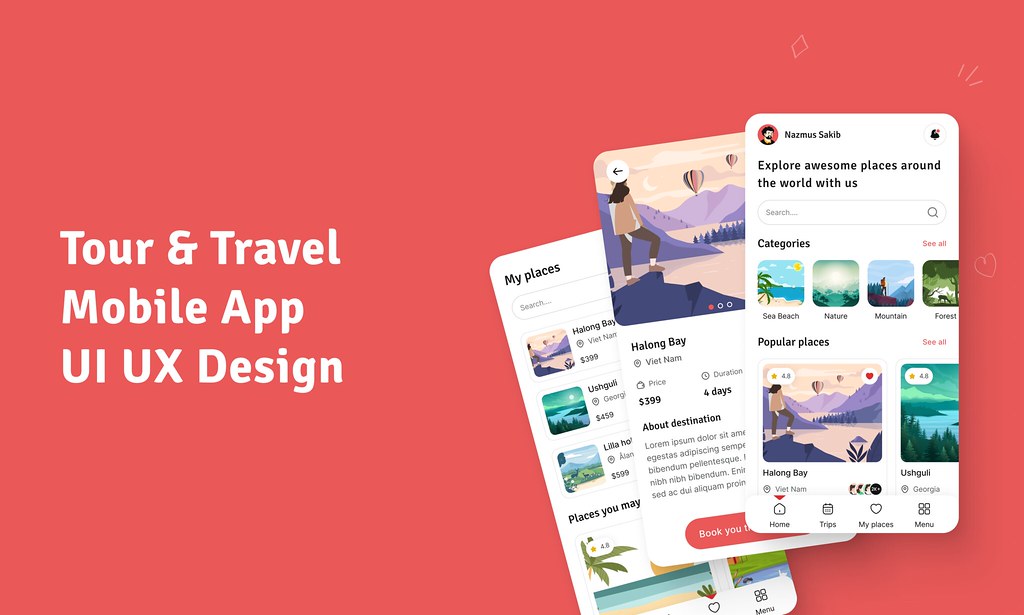
UX/UI support
DesignBit helps simplify decisions, reduce friction, and make digital experiences easier to navigate.
UX is often the difference between a site that looks acceptable and a site that actually works. The goal is not more interface. The goal is fewer points of hesitation.
Navigation and information architecture
Organize menus, page flow, and content relationships so people can understand what to do next.
Hierarchy and readability
Fix pages that try to say everything at once by giving the right content the right level of emphasis.
Mobile usability
Improve layouts, spacing, and interactions on smaller screens where friction often hurts trust fastest.
Common UX problems
- Overloaded pages with competing messages
- Weak service explanations
- Unclear contact paths
- Layouts that break down on mobile
- Slow decision-making because nothing feels prioritized
Useful result
Better UX reduces drop-off, improves confidence, and helps the business present itself in a way that feels easier to trust.
UX Mistakes That Hurt Small Business Websites
A grounded look at the issues that quietly damage usability and conversion on otherwise decent business sites.
Next step
Have a question about scope, process, or fit?
DesignBit works best when the site, the brand, and the launch decisions all support the same outcome: a clearer, stronger, more usable presence for the business.